Parkling
The smart parking timer for iPhone - never return to a parking fine. Auto-start by GPS, Siri, Live Activity, Apple Watch & CarPlay included.

iPhone
Apple Watch
CarPlay
Siri
Widgets
iOS 26+
The smart parking timer for iPhone - never return to a parking fine. Auto-start by GPS, Siri, Live Activity, Apple Watch & CarPlay included.
In action
Set a timer in seconds, glance at the countdown, and let GPS, Siri, and CarPlay handle the rest.
Features
Parkling combines a dead-simple timer with powerful automation so parking is one less thing to worry about.
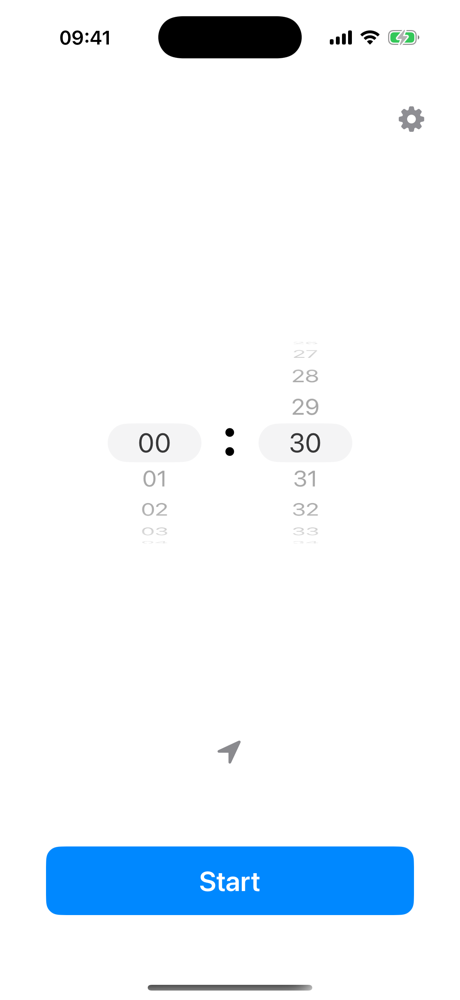
Set any duration from 1 minute to 23 h 59 min with a scroll-wheel picker. Your last-used duration becomes the default everywhere: Siri, Watch, CarPlay, and the Control Center button.
A halfway alert, a final warning matched to your duration (15, 10, or 1 minute), and a strong triple-vibration alert when time is up. All time-sensitive, so they break through Focus modes.
Come back to within 100 m of your spot and the timer starts by itself, back-dated to your arrival. Drive off past 700 m and it stops. Both distances are adjustable, with a map to fine-tune the spot.
Parkling notices when you have just parked - after CarPlay disconnects, or purely from motion and location - and offers a timer right on your Lock Screen: Start Now or Don't Start.
"Start parking for 30 minutes in Parkling" - start, stop, and check the timer completely hands-free, without the app opening. All three actions are also building blocks in the Shortcuts app.
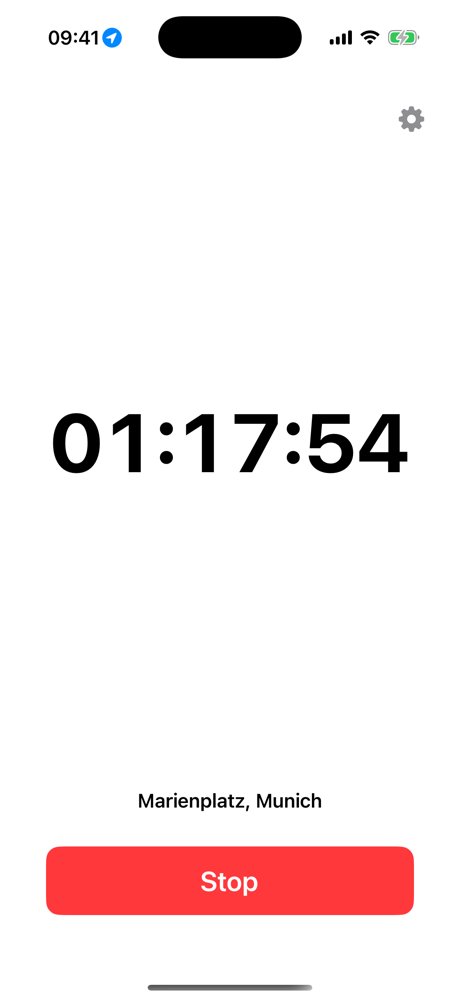
An optional persistent countdown with your parking spot and the exact end time - in the Dynamic Island on iPhone 14 Pro and later, or on the Lock Screen.
Start a timer from your car's screen with quick durations from 15 minutes to 3 hours (grid or list), a custom picker, and arrival alerts. Disconnecting activates a pending auto-start immediately.
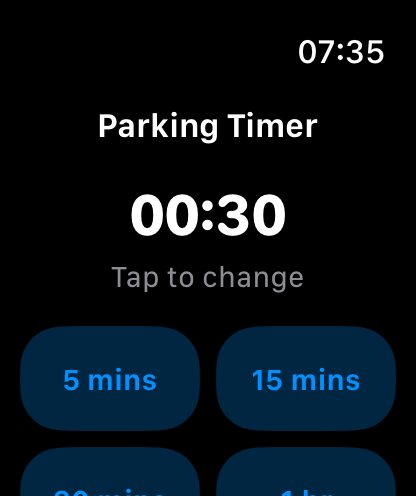
Start with a preset from 5 minutes to 2 hours, watch the countdown ring, and stop with one tap. Haptic taps warn you when time runs low, and complications keep the countdown on your watch face.
Lock Screen widgets show the remaining time at a glance, and a Control Center toggle starts or stops the timer with one tap - it even works on the Action button.
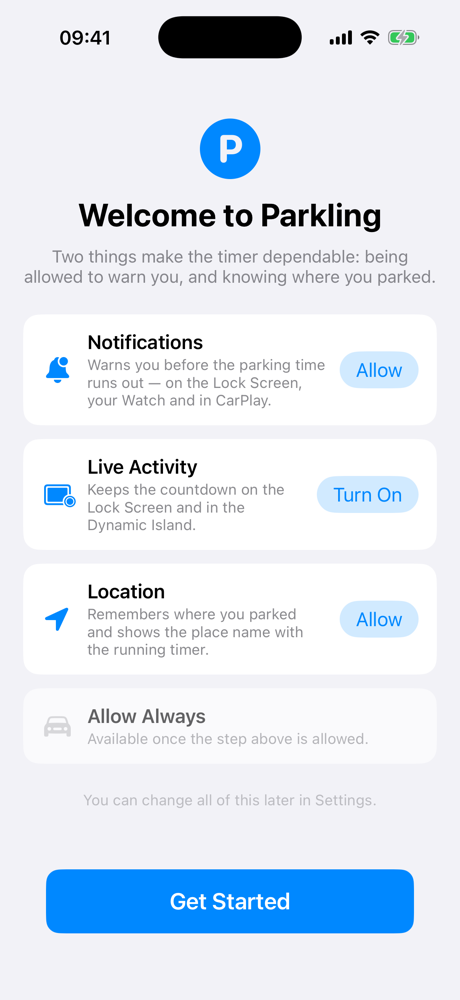
Your parking data stays on your device and is never shared. Location and motion are used only to run the timer - Parkling never tracks or stores your movement history.
Compatibility
Parkling is built natively for iOS and integrates seamlessly with Apple's ecosystem.
App Store reviews
“This little app reminds you when the parking duration is ending. When turning on locations, you can start your timer automatically when entering the parking area (geo fence). The app supports CarPlay, dark mode, and is translated in many languages already. Apple Watch and Live Activities are available as well.”
United States
Documentation
The full user manual covers every feature: automatic start and stop, parking detection, Siri commands, notification timing, CarPlay, scenario walkthroughs, and frequently asked questions.